WaveNet for Faculty & Staff
Information and Resources
Faculty
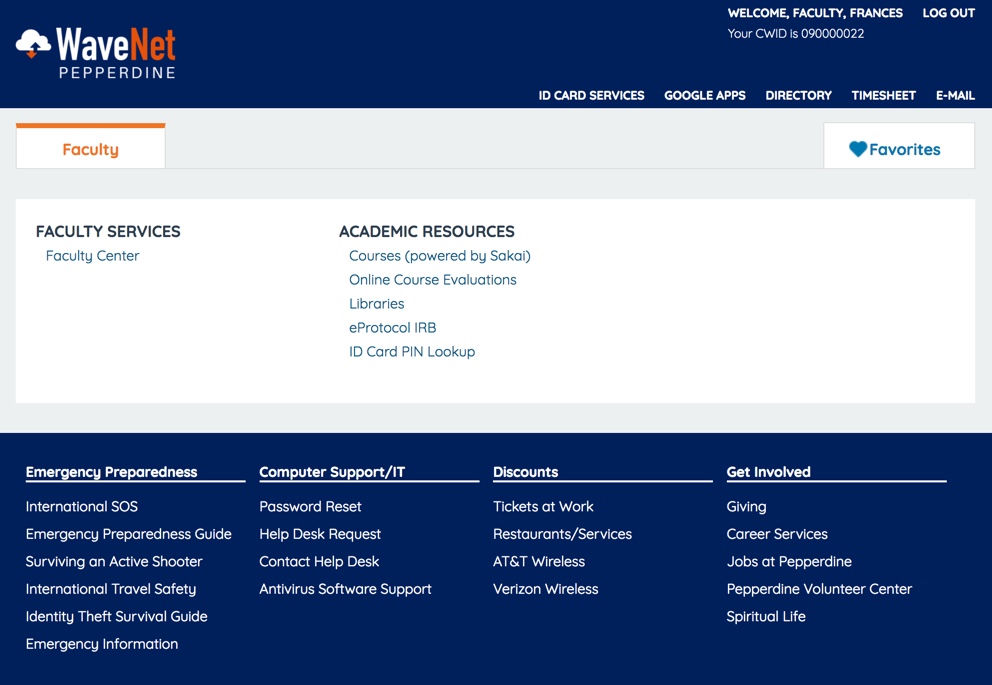
- Faculty members can use WaveNet to advise students, manage classes, and access other intranet resources.
- From WaveNet, click in "Faculty Services" click the "Faculty Center" link.
- From there, faculty members can access academic services as well as payroll, news, and departmental directories.
- Additional links to Emergency Preparedness, Computer Support/IT, Discounts and Getting Involved can be found at the bottom of every page.
Employee
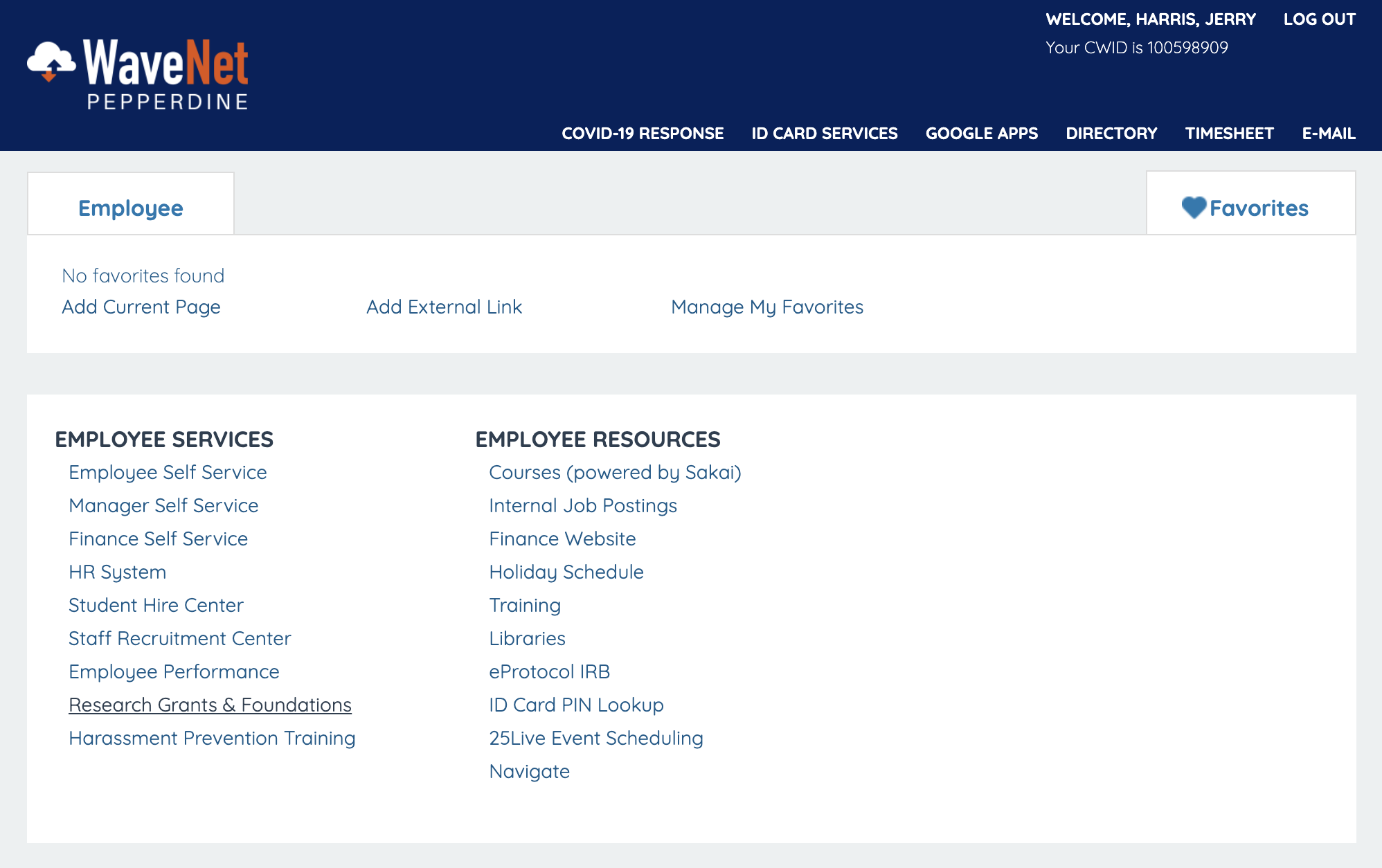
- Employees can use WaveNet to access PeopleSoft Student Administration, Finance, and Human Resources applications.
- From WaveNet, employees can access their desired services and applications.
- Forms - Employees who need to be granted access to PeopleSoft applications through WaveNet, can find the forms they need here.
- Additional links to Emergency Preparedness, Computer Support/IT, Discounts and Getting Involved can be found at the bottom of every page.
WaveNet Guides
WaveNet is an online tool used by University employees to connect to HR, financial, and student data.
Training
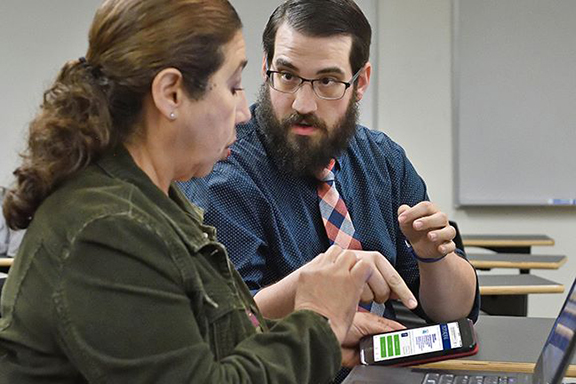
Pepperdine University offers training for PeopleSoft, WaveNet, G Suite, SecureConnect, and various other tools. To learn more about the training offered, click on the links.