Network Information
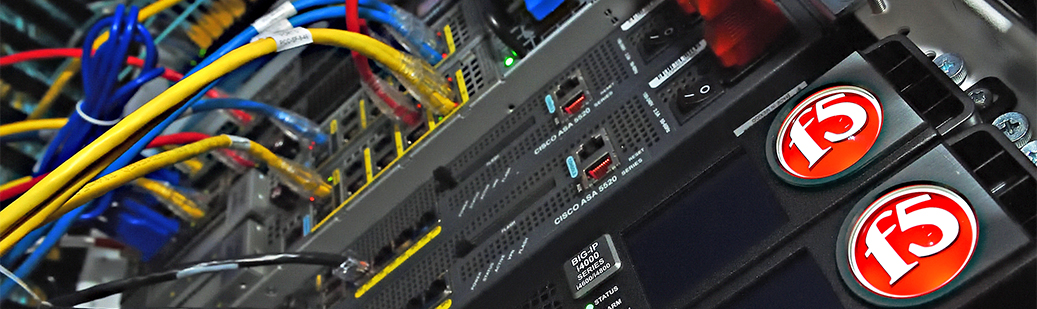
The Pepperdine network is a complex set of servers, hubs, and routers, and software
used to connect faculty, staff, and student to system, program, and file resources
that support the work of each constituent group. Network services include: file and
application sharing, printer and device sharing, Internet access, and email access.
Quick Links |
How To Guides for Faculty and Staff |