Teaching & Learning Tools for Pepperdine Canvas
Overview
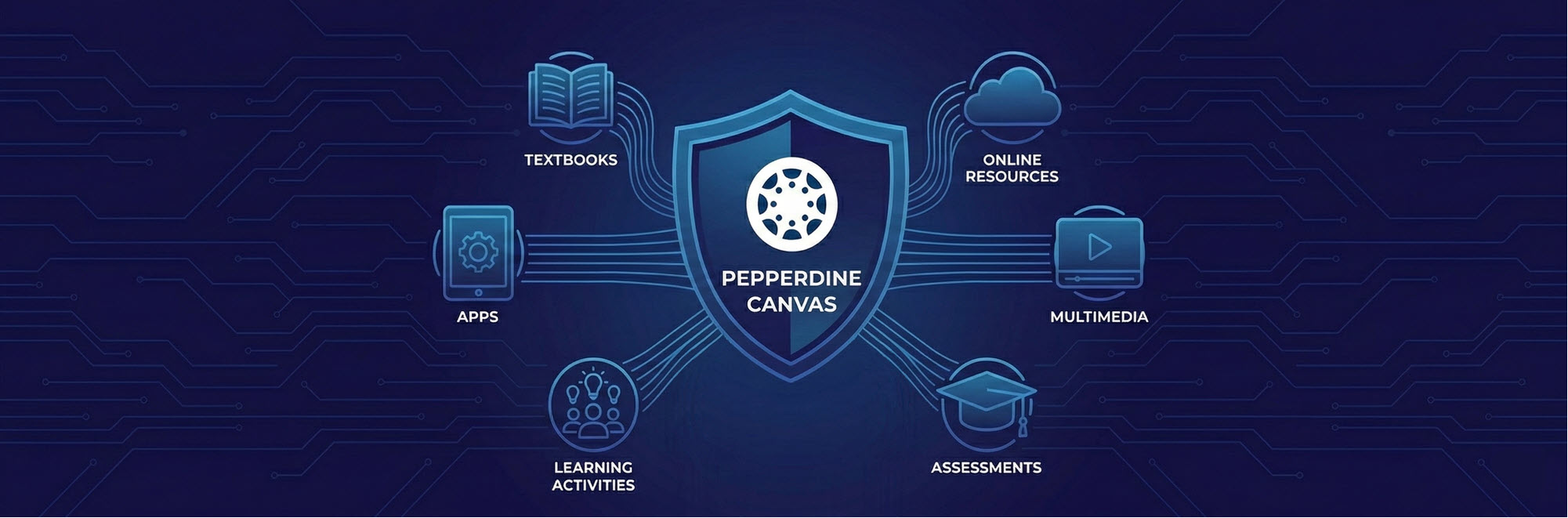
We welcome our community to learn how we can integrate third-party teaching and learning tools into our primary LMS, Pepperdine Canvas. You can find details on the process, available tools, and tools under review below. Approved tools have been reviewed for security, accessibility, and data privacy.
Third-Party Integration Request and Review Process
To ensure new tools meet University standards, a review process is required. Third-party integrations typically occur via a Learning Tools Interoperability (LTI) connection or an API. The integration review process takes time. Please allow 4-6 months from the date of submission request to implementation, once approved.
Eligibility
- Requests are available only for Pepperdine Canvas. Digital Campus is not applicable.
- Must be a Pepperdine faculty or staff member to submit a request.
- The third-party tool or service cannot store or share RESTRICTED data (e.g., social security numbers, driver's license numbers, HIPAA data, etc.).
- The third-party tool or service must meet digital accessibility requirements (i.e., WCAG 2.1 Level AA).
- The third-party tool of service must be FERPA-compliant and protect student data and privacy.
- The requesting school or department will bear all costs, training, or support burdens, or contract with the third-party provider to do so.
Process
- Submit your request for a third-party tool to be considered for integration with Pepperdine Canvas.
- Before submitting, review the submitted tools below that are approved, declined, or under review to avoid duplication of requests.
- Two weeks after submission: TechLearn will be in touch with you and the vendor to discuss remaining questions, clarifications, and next steps.
- One to four months after submission: TechLearn will conduct a comprehensive review of the requested tool. Pending review by university committee(s) and/or leadership in which the University’s expectations and requirements are met, the requesting faculty and or staff member will be invited to pilot the tool in a select class(es) or sandbox site.
- Four to six months after submission: If approved, TechLearn will implement the tool for wider use for schools at the University.
Throughout the process, TechLearn will be your primary point of contact for any questions or concerns regarding the integration. Once the tool is implemented and available in Pepperdine Canvas, work with the tool creator directly for features requests, bug reports, or maintenance.
Requested Tools Status
These tools have been reviewed and approved for use in Pepperdine Canvas. Access may vary by school or department. Further implementation for a new school or department can be requested through the request form above.

eLumen Insights
What it does: Collects and analyzes assessment data to support learning outcomes, program review,
and accreditation reporting.
Access: Office of Institutional Effectiveness (OIE) only.

Enflux API
What it does: Enables secure data exchange and system integrations between Canvas and institutional
or third-party platforms.
Access: PCHS Admins.

ExamSoft
What it does: Delivers secure, high-stakes digital exams with offline testing, exam monitoring,
and robust assessment analytics.
Access: PCHS only.

H5P
What it does: Allows instructors to create interactive content such as quizzes, videos, presentations,
and learning activities directly within Canvas.
Access: All Schools.

Panopto
What it does: Social reading and collaborative annotation.
Access: All schools.

Redirect Tool
What it does: Allows instructors to add custom links to external websites or tools directly into
Canvas course navigation.
Access: All schools.

Respondus LockDown Browser
What it does: Secures online exams by restricting access to other applications, websites, and
system functions during a quiz.
Access: Seaver and PGBS only.

Pepperdine Syllabus: Simple Syllabus
What it does: Centralizes syllabus creation and distribution using institution-approved templates
to ensure consistency, compliance, and accessibility.
Access: All schools.

SpringShare (Library Guides)
What it does: Provides access to curated library research guides, databases, and instructional
resources embedded within Canvas courses.
Access: All schools. Managed by Pepperdine Library.

Turnitin
What it does: Originality checking and feedback tools.
Access: All schools.

Zoom Pro
What it does: Provides secure video conferencing for live classes, meetings, office hours, and recordings with advanced features like breakout rooms and cloud recording.Access: All schools.
These textbook publishers have been reviewed and approved for use by all schools in Pepperdine Canvas.

Cengage
What it does: Provides digital textbooks, courseware, homework, and assessment tools integrated with Canvas.
*Approved, but still in process of being implemented.

Macmillan
What it does: Provides digital textbooks, learning platforms, and assessment tools to support course instruction.
*Approved, but still in process of being implemented.

McGraw-Hill
What it does: Offers digital textbooks, adaptive learning tools, and assessments through integrated courseware platforms.
*Approved, but still in process of being implemented.

MyEducator
What it does: Delivers interactive, affordable digital textbooks and assignments designed for
course integration.

W.W. Norton
What it does: Offers digital and print textbooks with accompanying online learning and instructional resources.
*Approved, but still in process of being implemented.

Pearson
What it does: Provides digital textbooks, courseware, and assessment tools integrated with Canvas for student learning.
*Approved, but still in process of being implemented.

SAGE
What it does: Provides digital course materials, textbooks, and learning resources to support instruction and research.
*Approved, but still in process of being implemented.

WileyPLUS
What it does: Offers interactive assignments, adaptive practice, and assessments aligned with Wiley digital textbooks.
*Approved, but still in process of being implemented.
These tools have been requested and are under review by TechLearn, academic committees, and University leadership. Future access may vary by school or department.

Google Assignments
What it does: Allows instructors to create, distribute, and grade assignments using Google Docs and Drive with automatic submission and file management.

Google Gemini
What it does: An AI-powered assistant that supports content creation, idea generation, and productivity within Google Workspace tools.

Google NotebookLM
What it does: Offers a digital notebook for student practice, problem-solving, and coursework.

Google Workspace
What it does: Provides cloud-based tools (Docs, Slides, Sheets, Drive, etc.) for creating, sharing, and collaborating on course content.

MyOpenMath
What it does: Provides online math assignments and assessments with automatic feedback.

SCORM LTI
What it does: Delivers interactive SCORM learning modules and tracks student completion.

VHL Supersite
What it does: Provides digital language-learning assignments, activities, and assessments with grade sync.

YuJa Panorama
What it does: Comprehensive Canvas site and content accessibility checker and remediation tool.
These tool Integrations have been reviewed and did not receive approval at any step
in the process.

Turnitin Gradescope LTI
What it does: Streamlines grading and feedback for problem-based, handwritten, and programming assignments